1. Home
  2. Projects
  3. Azure Virtual Desktop

Azure Virtual Desktop, built around the way each team works

A desktop for each role. On any device.

We build Azure Virtual Desktop around your roles. Each team gets a cloud desktop with only the apps it needs, from any device, and your data stays in Azure, not on laptops.

What IT calls itAzure Virtual Desktop (AVD)

Before and after

Where you are now. Where this gets you.

Before

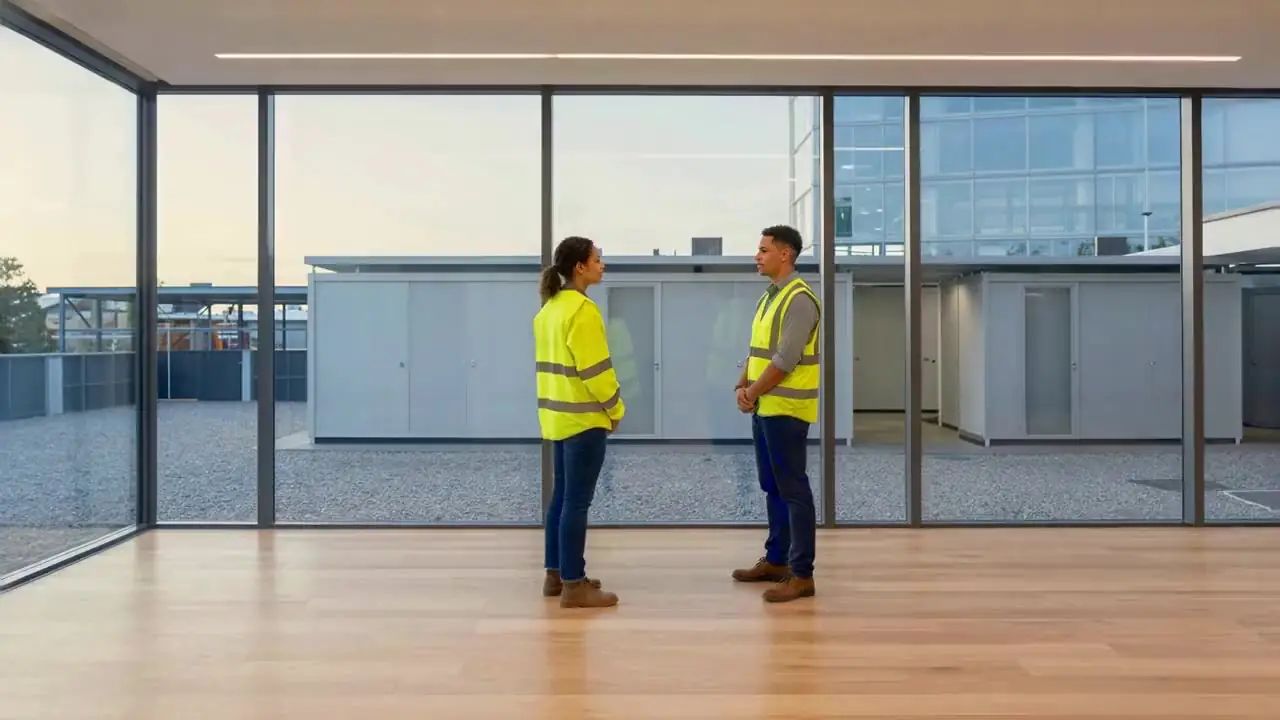
Contractors want to use their own laptops. A legacy accounting app only runs on the office server. Finance, design and site staff need very different tools. And every time someone leaves, you wonder what's still on their device.

  • Contractors or staff work on their own devices
  • An older app needs to run on a server
  • Different teams need very different apps
  • You want sensitive files kept off laptops

After

A contractor starts Monday on their own laptop, signs in to the site team's desktop and gets to work. When the contract ends, disabling their account removes their access, and none of your data leaves with them.

How it works

A desktop for each role, on any device.

Each role gets its own desktop in Azure, with its own apps, behind one secure sign-in.

Machines shut down out of hours, so you don't pay for idle capacity.
How it goes

5 steps, start to finish.

What you do, and what we do, at each step. Open “More” for the detail.

  1. 1
    Before you commit

    Each role mapped.

    You
    Book a planning call, and tell us the apps each team relies on.
    We
    Group your people into roles, size the desktops, and work out the monthly Azure running cost alongside the build quote.
    More
    • The apps, files and devices for each role
    • A one-page plan, a fixed quote for the build, and the monthly running cost
  2. 2
    The build

    A desktop for each role.

    You
    Try your role's desktop, and tell us what's missing.
    We
    Build a host pool for each role in Azure, package and test its apps, and secure sign-in with multi-factor authentication (MFA).
    More
    • A host pool is the set of cloud machines a role's desktops run on
    • User profiles that follow people between sessions, with FSLogix
    • Conditional access: sign-in only from approved devices and locations
  3. 3
    Pilot

    One team first.

    You
    The pilot team works as normal.
    We
    Fix what they find, and right-size the machines so it's fast without paying for idle capacity.
  4. 4
    Go-live

    Everyone on, costs tuned.

    You
    Sign in from any device.
    We
    Move each team across, and set autoscaling so machines shut down out of hours.
  5. 5
    After that

    Looked after, with costs reviewed.

    You
    Tell us who's starting, and in which role.
    We
    Keep apps and desktops patched, give new starters their role's desktop on day one, and review Azure costs with you.
From our work

Done for real, not just on paper.

What we've done, and what we've written about the same kind of work.

Recent project

We recently delivered a complete Azure Virtual Desktop environment built around roles, with a different desktop for each team.

Questions

Questions we get asked.

Something else on your mind? Ask us on the planning call.

What is Azure Virtual Desktop?

It's a full Windows desktop in Microsoft's cloud, used from a laptop, tablet or home computer. The apps and files stay in the cloud rather than on the device. It suits hybrid teams, people on their own devices, and businesses that want sensitive files kept off laptops.

What does built around roles mean?

Instead of one desktop for everyone, each role gets its own. Finance sees the finance apps, design sees the design tools, and contractors see only what their job needs. It's simpler to manage, and keeps people out of apps they don't use.

Should we choose Azure Virtual Desktop or Windows 365?

Azure Virtual Desktop suits several roles, older apps, or people who don't work every day, because desktops can be shared and scaled down when idle. Windows 365 suits a fixed monthly licence per person, with a Cloud PC that's always theirs. We'll recommend one after the planning call.

Can contractors use their own laptops?

Yes. They sign in to their desktop from their own device, and your files stay in the cloud. When the contract ends, disabling their account removes their access to everything.

How long does an Azure Virtual Desktop project take?

Usually 4 to 8 weeks from start to finish, depending on how many roles and apps there are.

See more. Respond faster. Stay secure.

Anyone can build a virtual desktop. We build the right one for each person who uses it.

Tell us what's changing. You get a one-page plan: what moves, in what order and when, then a fixed quote before you commit.

Pick a time