1. Home
  2. Projects
  3. Office move or upgrade

Office relocation and upgrades, built on UniFi

A new office. Working from the first morning.

Moving, or upgrading where you are? We design and install one UniFi system for the whole office: gateway, network, Wi-Fi, door access, phones, cameras, sensors and sirens.

What IT calls itOffice IT relocation and UniFi build: UniFi Network, Access, Talk and Protect

Before and after

Where you are now. Where this gets you.

Before

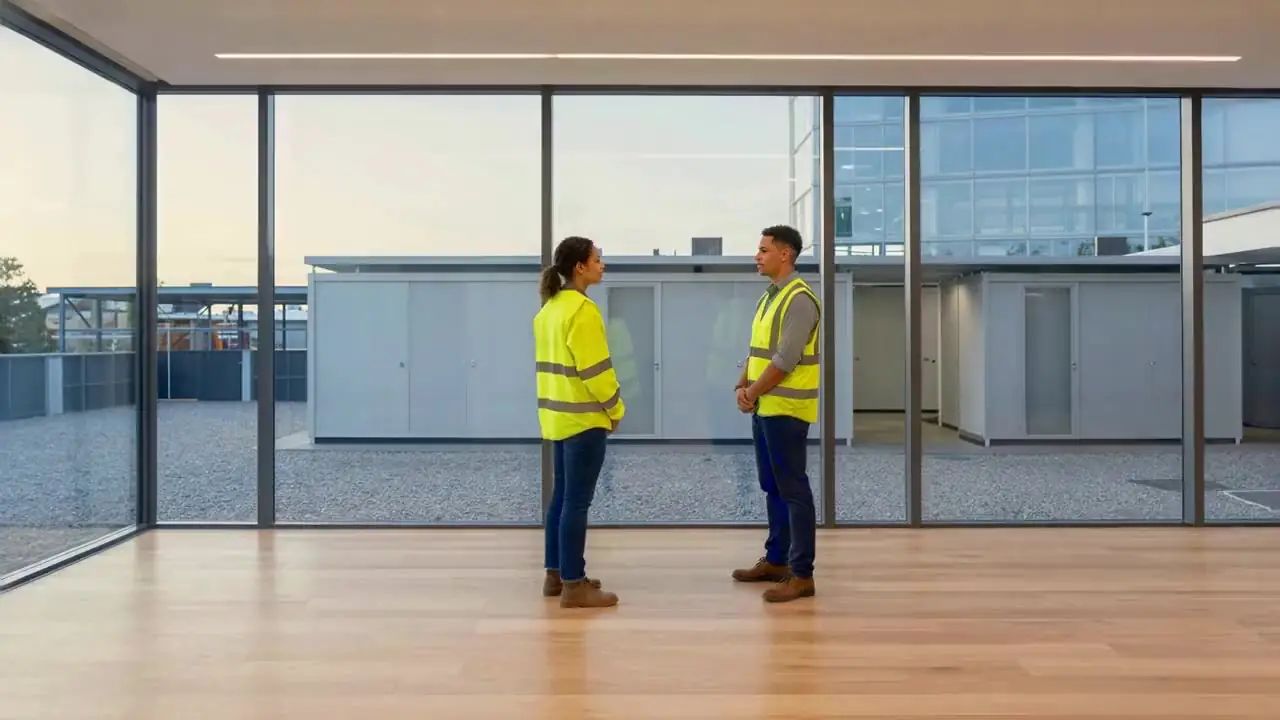
The lease is signed and the move date is set. Internet, cabling, Wi-Fi, doors, phones and cameras each need a supplier, and they have to arrive in the right order. Or you're staying put, and the Wi-Fi drops out in the boardroom. Lost door fobs can't be cancelled, and nobody can find last week's camera footage.

  • You're moving office, or fitting out a new floor
  • Your Wi-Fi, switches or firewall are past their best
  • Doors, cameras and phones each have their own supplier
  • You want one team looking after all of it
After

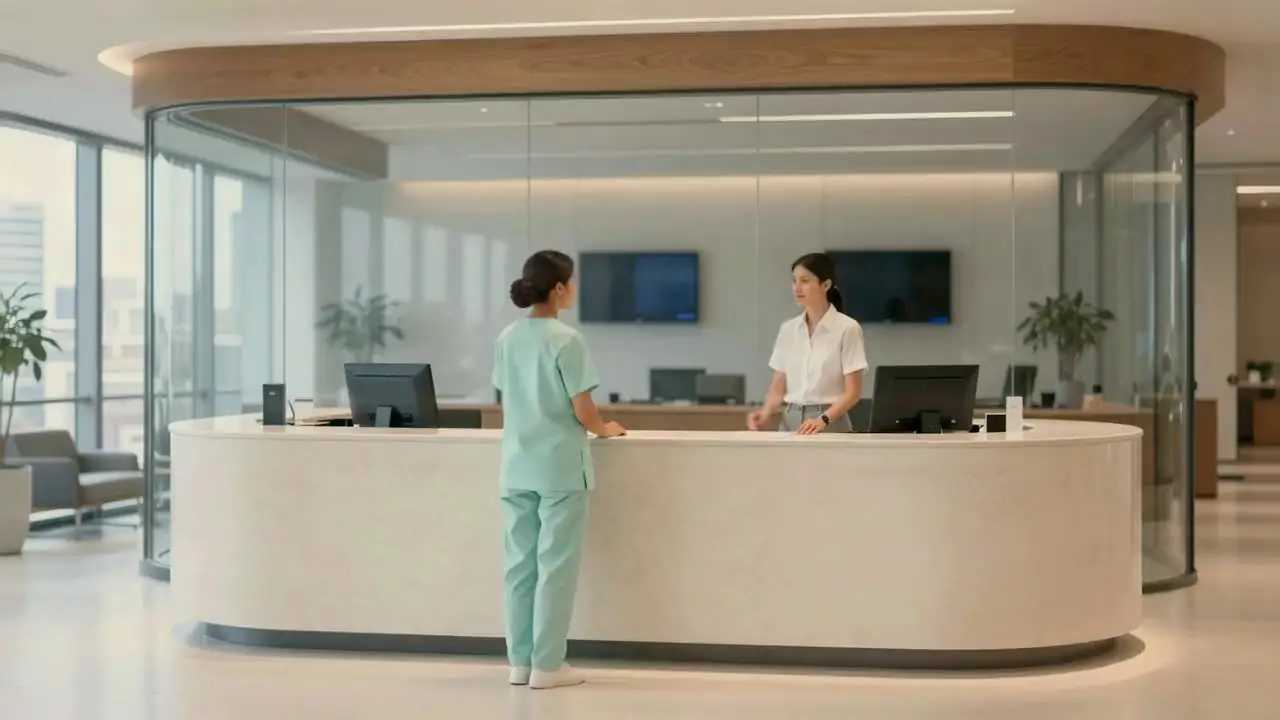
The first Monday in the new office. People tap in at the front door with a card or their phone. The Wi-Fi reaches the boardroom, and the main number rings at reception. When someone leaves, their door access goes the same afternoon.

How it works

One UniFi system, from the front door to the boardroom.

The gateway, network, Wi-Fi, doors, phones and cameras are designed together and run as one.

Someone leaves? Their door access goes the same afternoon.
How it goes

6 steps, start to finish.

What you do, and what we do, at each step. Open “More” for the detail.

  1. 1
    Before you commit

    We walk the site with you.

    You
    Book a planning call, and send us the floor plan and your move date.
    We
    Walk the office, mark every desk, door, camera and access point on the plan, and send a one-page plan and a fixed quote.
    More
    • Internet at the new address, ordered first, because it can take weeks to connect
    • What's worth moving, and what's due for replacement
    • Servers: worth moving, or a good time to move the files to SharePoint
  2. 2
    The design

    One UniFi system, drawn on your floor plan.

    You
    Agree the layout, and who can open which doors, and when.
    We
    Design the gateway, switches, Wi-Fi, door access, phones, cameras and sensors as one system, and order the equipment.
    More
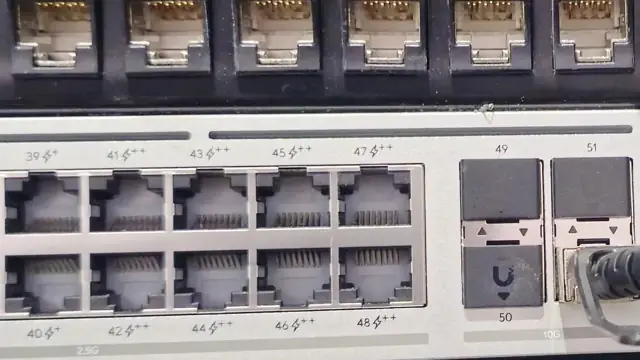
    • The gateway is your firewall and internet connection
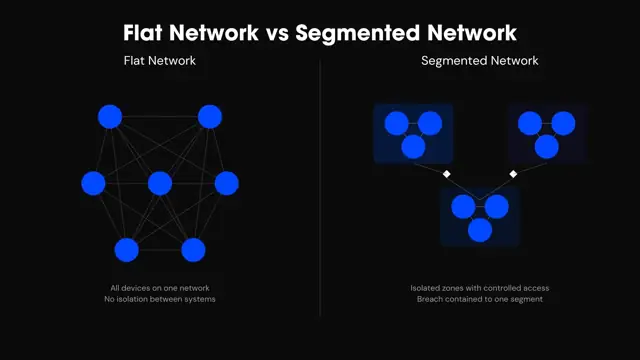
    • Staff, guests, phones and cameras on separate networks, so a problem in one can't spread
    • Door rules by person, door and time of day
  3. 3
    Before move day

    Built and tested before you arrive.

    You
    Nothing yet. Keep working where you are.
    We
    Arrange the cabling, install every device, and test the Wi-Fi, doors, phones, cameras, sensors and sirens.
    More
    • Data cabling by a registered cabling partner we manage, so you deal with one team
    • Upgrading in place? The new system is built beside the old one, then switched over at a time that suits you
  4. 4
    Move day

    Moved in, and everything works.

    You
    Pack up your desk.
    We
    Reconnect computers, printers and phones at the new desks, and check everyone can sign in, print and make a call.
  5. 5
    The first week

    Tuned once you're in.

    You
    Tell us about any Wi-Fi dead spots, or a door or camera that needs changing.
    We
    Adjust the Wi-Fi, door schedules and camera views, and hand over a record of every device and where it is.
  6. 6
    After that

    One system, one team.

    You
    Tell us who's starting and who's leaving.
    We
    Issue and cancel door access, keep every device updated, and look after it all on your support plan.
Questions

Questions we get asked.

Something else on your mind? Ask us on the planning call.

What's included in a UniFi office build?

Everything that runs on the office network: the gateway, switches and Wi-Fi, door access, desk phones, security cameras, sensors and sirens. It's all one UniFi system, managed from one place.

Why put doors, cameras and phones on one system?

One system means one network, one app and one team to call. When a door, camera or phone stops working, the same people can see the cause and fix it.

Can we keep our phone numbers when we move?

Usually, yes. Numbers on a cloud phone service aren't tied to a building. Local numbers have rules about the area they're used in, so we check yours on the planning call.

Can you upgrade our network without moving office?

Yes. The new system is built beside the old one, then switched over at a time that suits you. The office keeps working in between.

Do we need to tell staff about new cameras?

Usually, yes. In New South Wales, workplace surveillance law requires employers to give staff written notice and put up signs before cameras start recording. We share the camera plan early, so you have time. Check the details with your lawyer.

How long does an office move take?

Talk to us 8 to 12 weeks before your move date. That leaves time to connect internet at the new address, then build and test everything before you arrive. The move itself happens over a weekend, so you start Monday in the new office.

See more. Respond faster. Stay secure.

Anyone can install a switch. We make sure the whole office works on the first morning.

Tell us what's changing. You get a one-page plan: what moves, in what order and when, then a fixed quote before you commit.

Pick a time