- A live wall of every camera, with alerts, incidents and cases
- Recording, playback and evidence export
- The zones, lines and detection rules you set
- Counting and coverage reports
- Sign-in with your Microsoft Entra or Active Directory accounts
- Works with Milestone and Genetec, and relays alarms to your existing panels
- Home
- Platforms
- Guardian
Guardian: on-site AI video analytics
Your cameras, watching for you.
Guardian is AI that runs on a server at your site and watches the cameras you already have. You set the rules, such as no people in the vehicle lane or nobody in the plant room after hours, and Guardian tells your team, in plain English, when one is broken. Your footage never leaves your site.
Guardian is running Proofs of Value with selected Australian customers.Cameras record. Nobody can watch two hundred feeds.
Most sites have more cameras than people to watch them. Footage gets reviewed after something has gone wrong, which is too late to stop it.
Guardian watches every camera, all the time, for the specific things you care about, and only speaks up when one of them happens.
It started ten kilometres underground.
Guardian began with a question from a mining company, and a trip to see the problem for ourselves.
- The question
A mining company asked whether we could help them use AI detection in their mine, on the cameras they already had.
- The visit
Before we answered, we joined a site inspection at their underground coal mine in NSW. We travelled ten kilometres underground and saw, up close, the coal they were mining. It was an incredible experience.
- What we saw
The cameras were already there, and nobody could watch them all. The footage belonged at the mine. And an alert would have to earn a crew's trust before it interrupted their work.
- What we built
Guardian: AI that runs on a server at your site, watches every camera, and proves each rule on your own footage before it alerts anyone.
Guardian runs in parallel with the VMS you already have.
Each camera sends a secondary stream to Guardian, alongside the primary stream it already sends to your VMS. Your VMS keeps recording exactly as it does today. Remove Guardian, and nothing about your recording changes.
- Your VMS stays exactly as it is
Recording, retention and your operators carry on unchanged. Guardian only reads a secondary stream from each camera.
- No new cameras
Any fixed camera with an ONVIF or RTSP stream works. We import your cameras from Milestone or Genetec.
- Footage stays on site
The secondary stream goes to a server on your network. Nothing is sent to a cloud service.
No VMS or NVR? Guardian works straight from the cameras.
People and vehicles, and the rules you set for them.
Guardian recognises the objects below, and you choose which of them each rule applies to. You draw the zones and lines on each camera. These are the rules Guardian runs today.
What Guardian recognises
The rules
Someone enters an area you have marked as off-limits, at all times or only after hours.
A person stays in an area longer than the time you set.
A car, truck or van enters a pedestrian walkway.
Someone on foot walks where vehicles operate.
Someone, or any vehicle, is seen outside the hours you set, such as after closing or on a weekend.
Something crosses a line you draw, optionally only in one direction, such as the wrong way through a gate.
A vehicle moves faster than the limit you set for that area.
People or vehicles counted across a line. Every count is reported with its measured error for that camera.
More objects and detection types are coming. Each one appears here only once it ships; the roadmap further down shows what is on the way.
The screens your team works in.
Real Guardian screens at full size, never mocked up. To protect our customers’ privacy, we have removed all footage from the alert and case screens, which show test data from our development system. Playback and zones show the cameras in our own office.
What Guardian does for you.
Three packages, each including everything in the one before. Licensed per camera, per year. Any package works with any support plan below.
- Hawk Follow a person or vehicle from camera to camera
- Every site visible in Nexus
- Detection tuned to your own site
- Events sent to your security team’s SIEM
- Sage Describes what each camera sees, in plain English
- Review An investigation workspace for working through incidents
- Appearance search Find a person or vehicle in recorded footage by clothing colour or vehicle type
- Runs on a Sage node at your site, alongside Guardian
How closely we look after your cameras.
Every camera Guardian watches is also supported on a monthly plan. Choose the hours of cover your site needs. Any support plan works with any package.
Essential
Business hoursSupport during business hours, Monday to Friday. Right for sites that close overnight.
- Every camera monitored and supported
- Faults found and fixed by our team
- Priced per camera, per month
Advanced
Extended hoursSupport beyond normal business hours, for sites that open early or close late.
- Every camera monitored and supported
- Faults found and fixed by our team
- Priced per camera, per month
Premium
24/7Support around the clock, every day of the year, for sites that never close.
- Every camera monitored and supported
- Faults found and fixed by our team
- Priced per camera, per month
Optional add-ons: support for the server that runs your cameras, and CrowdStrike cyber protection for that server. On-site visits and new installs are quoted upfront.
Know the moment it happens, not the morning after.
Guardian turns the cameras you already own into alerts your team can act on. It is proven on your own footage first, explains every alert in plain English, and keeps everything on your site.
Guardian runs on a server in your building. Video is analysed and stored there, not sent to a cloud service.
Every new rule runs silently for a week before it can alert anyone. You see exactly what it would have flagged, and adjust it, before your team relies on it.
Each alert says what happened, where, and when, with the clip attached. No codes, no confidence scores to interpret.
Clips are exported with a SHA-256 fingerprint, so anyone can check that a clip has not been altered since it left Guardian.
Staff sign in with your Active Directory accounts. Every action is written to a tamper-evident audit log, and events can be sent to your SIEM.
More cameras means another Guardian server on the same network. Alphalogix licenses, installs and upgrades it for you.

From site survey to live alerts.
Nothing alerts your team until you have seen it work on your own cameras.
- Step 1: Site survey
We walk the site with you, check your cameras and network, and agree the risks you want watched.
- Step 2: Install
We install the Guardian server on your network and connect your cameras. Nothing leaves your site.
- Step 3: Shadow week
Each rule runs silently for a week on your own footage. We review what it would have flagged with you.
- Step 4: Go live and support
Alerts switch on for the rules you approve. Alphalogix monitors the system and delivers every upgrade.
Where Guardian goes next.
Nothing on this list is available yet. Each item is marked In development or Planned, and moves into the lists above only once it ships.
More objects
- PlannedForklifts and every other vehicle
Forklifts, pallet jacks and other warehouse vehicles, then every other kind of vehicle on a site. Each is labelled and trained in Guardian before it is added.
- PlannedPersonal mobility
E-bikes, scooters, skateboards, wheelchairs and mobility scooters, each told apart so your rules can treat them the right way.
Detections
- In developmentFire and smoke detection
Visible flame and smoke, measured on real footage before it ships. It adds to your fire detection system and does not replace it.
- In developmentWeapon detection
Visible weapons, such as firearms and knives.
Add-ons
- In developmentPlate recognition
Number plates read by the cameras you set aside for it.
- PlannedFacial recognition
We are working on it. A privacy impact assessment comes first, and it will only be offered within the privacy commitments below.
Future modules
- PlannedAquatic centres
Drowning detection that alerts lifeguards.
- PlannedMining: longwall
A 3D model of the longwall, joined to its SCADA data.
Industry detection packs
- PlannedPPE
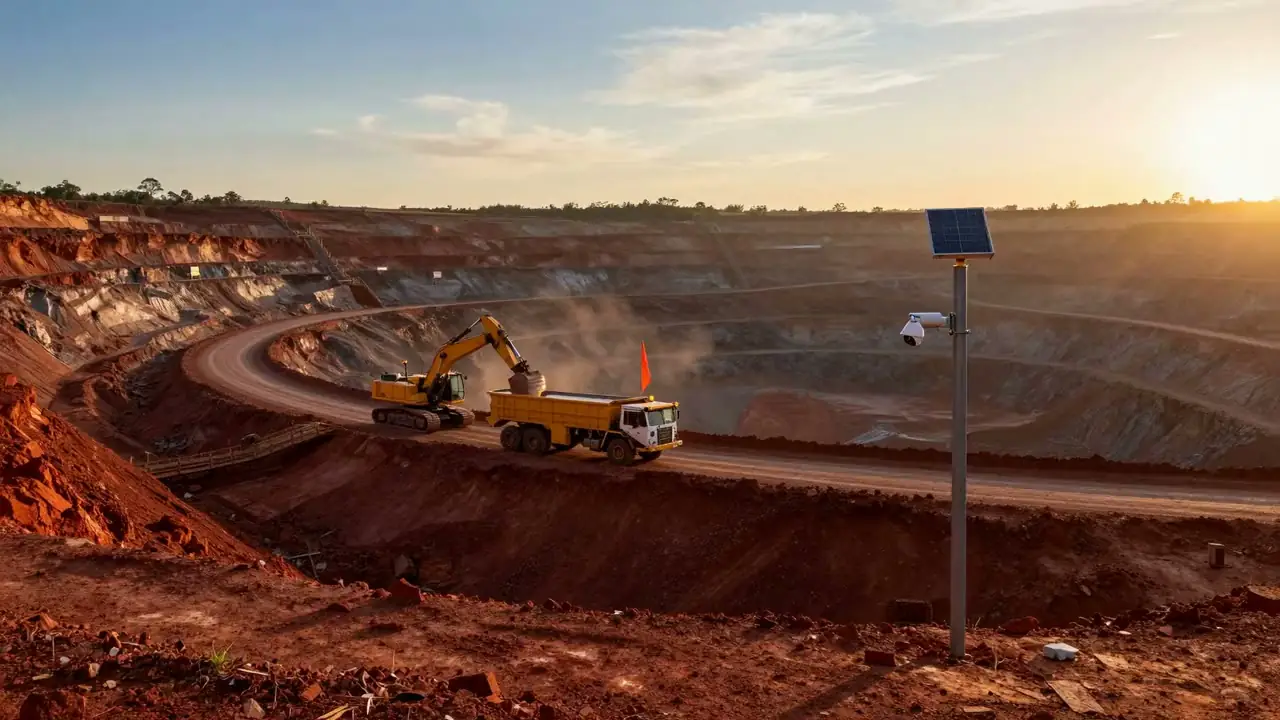
- PlannedMining: materials handling
- PlannedMining: processing plant
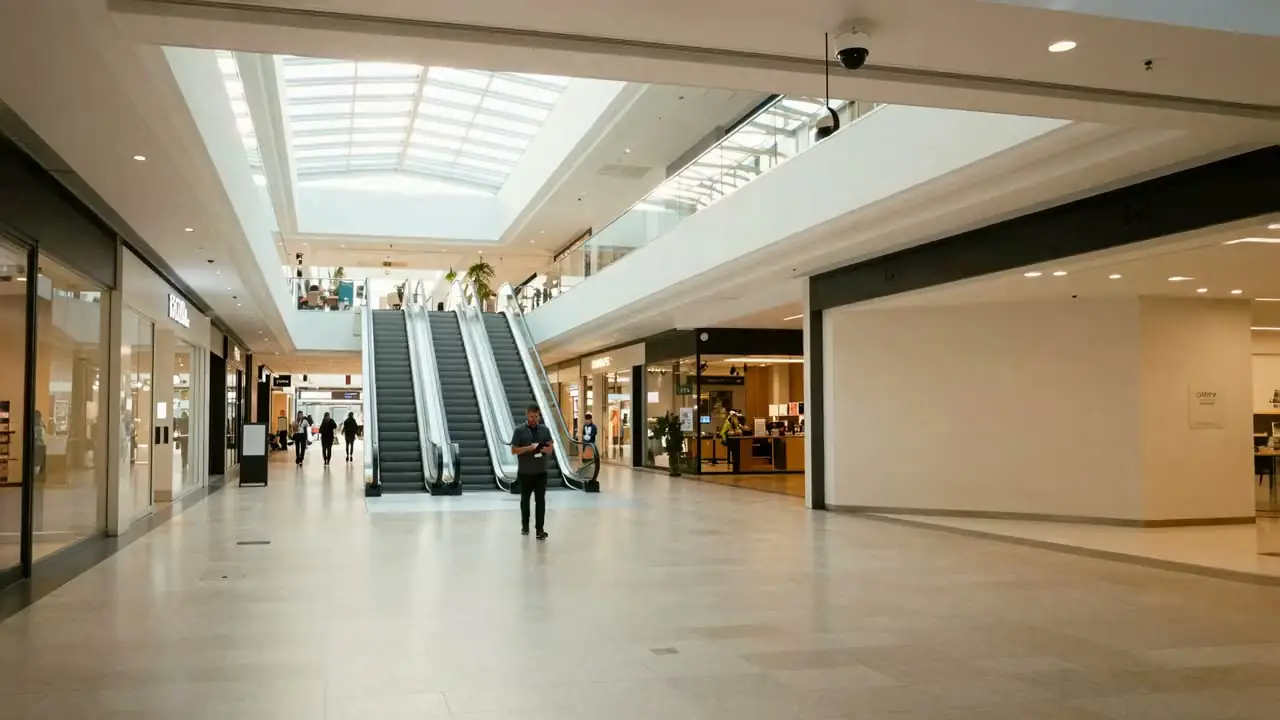
- PlannedRetail: shopping centres
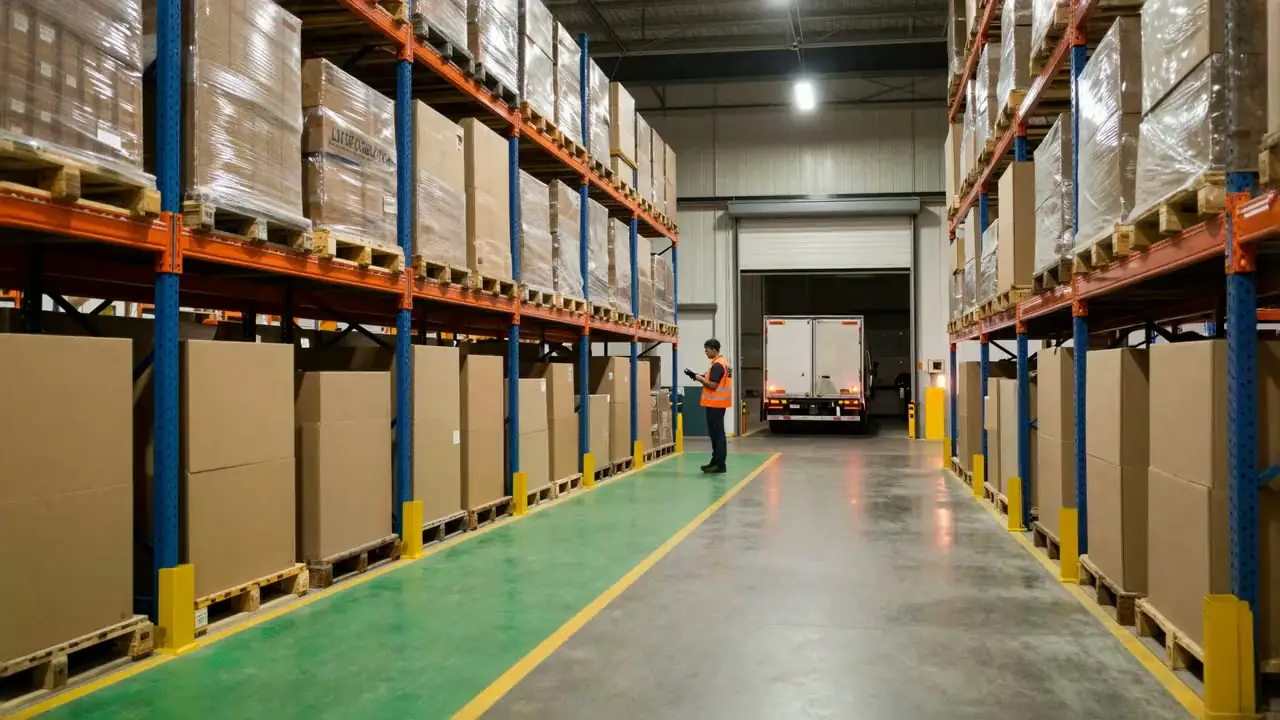
- PlannedLogistics: yards and docks
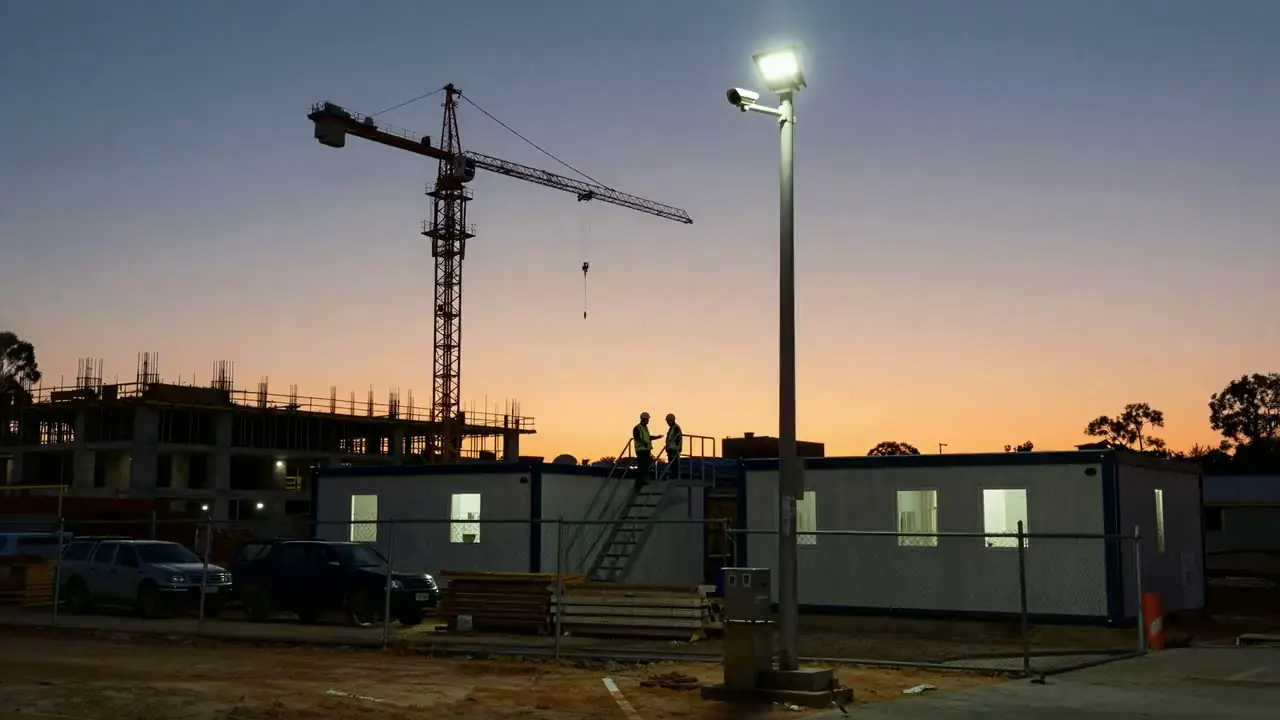
- PlannedConstruction: building sites
Alphalogix is committed to protecting personal information and operating in accordance with applicable privacy laws, including the Australian Privacy Act 1988 (Cth) and the Australian Privacy Principles. Where applicable, Guardian’s architecture can support customer compliance obligations under regulations such as the GDPR.
Guardian is designed to keep video footage within the customer’s environment, maintain audit records of user access and data exports, and does not currently perform facial recognition or individual identification.
Download the latest release.
Every Guardian release and the installation guide, in one place.
Guardian questions
What is a Proof of Value?
It is how every site starts with Guardian. We survey the site with you, install Guardian, and run your rules silently on your own cameras for a week. You see what Guardian would have flagged, and decide what goes live, before anything alerts your team.
Do we need new cameras?
Usually not. Guardian works with IP cameras that can stream video over your network. We check every camera during the site survey and tell you if any need replacing.
Does our footage go to the cloud?
No. Guardian analyses and stores video on a server at your site. Nothing is sent to Alphalogix or to a cloud service for analysis.
Why does a new rule stay silent for a week?
So that it is proven on your cameras before anyone relies on it. During the shadow week you can see every alert it would have raised and adjust it. Only then does it start alerting.
How accurate is it?
It depends on the camera, the angle and the lighting at your site, so we do not quote a single number. The shadow week is how you see Guardian's real results on your own cameras before you commit.
Who can see the alerts and footage?
Only the people you give access to. Staff sign in with your own Active Directory accounts, and every view, export and change is recorded in the audit log.
Does Guardian identify people?
No. Today Guardian detects people and vehicles and what they are doing in an area. It does not identify who anyone is. Facial recognition is planned as an optional add-on, and a privacy impact assessment comes before it is offered.
See more. Respond faster. Stay secure.
See Guardian on your own cameras.
Tell us about your site and what you need watched. We will tell you plainly whether Guardian fits.

Corporate & professional services
Construction & infrastructure
Logistics & warehousing
Mining & resources
Retail & shopping centres
Aged care
Healthcare & medical